Loading Repish…


HOW IT WORKS
How the Repish food and training diary works
Set your targets once, log meals from more than 80,000 foods the quickest way for the moment, let Garmin or Apple Health fill in your training, and read the week back. Here's each step with the screen you'll use.
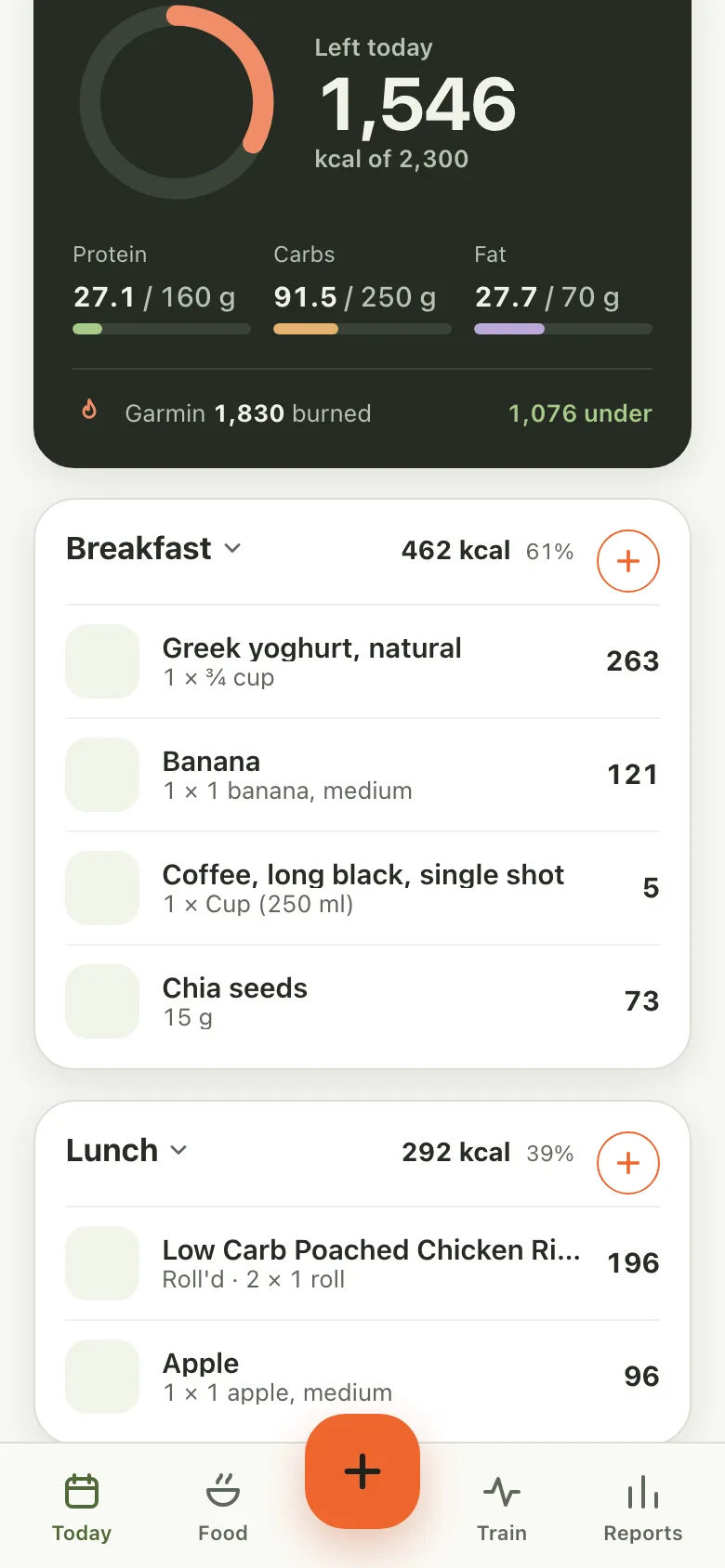
Step 1: Set calorie and macro targets
Create a free account and set daily targets for calories, protein, carbs and fat, and name your meals. Today shows what's left as you log.
- Calories, protein, carbs and fat
- Your own meal names, up to six a day
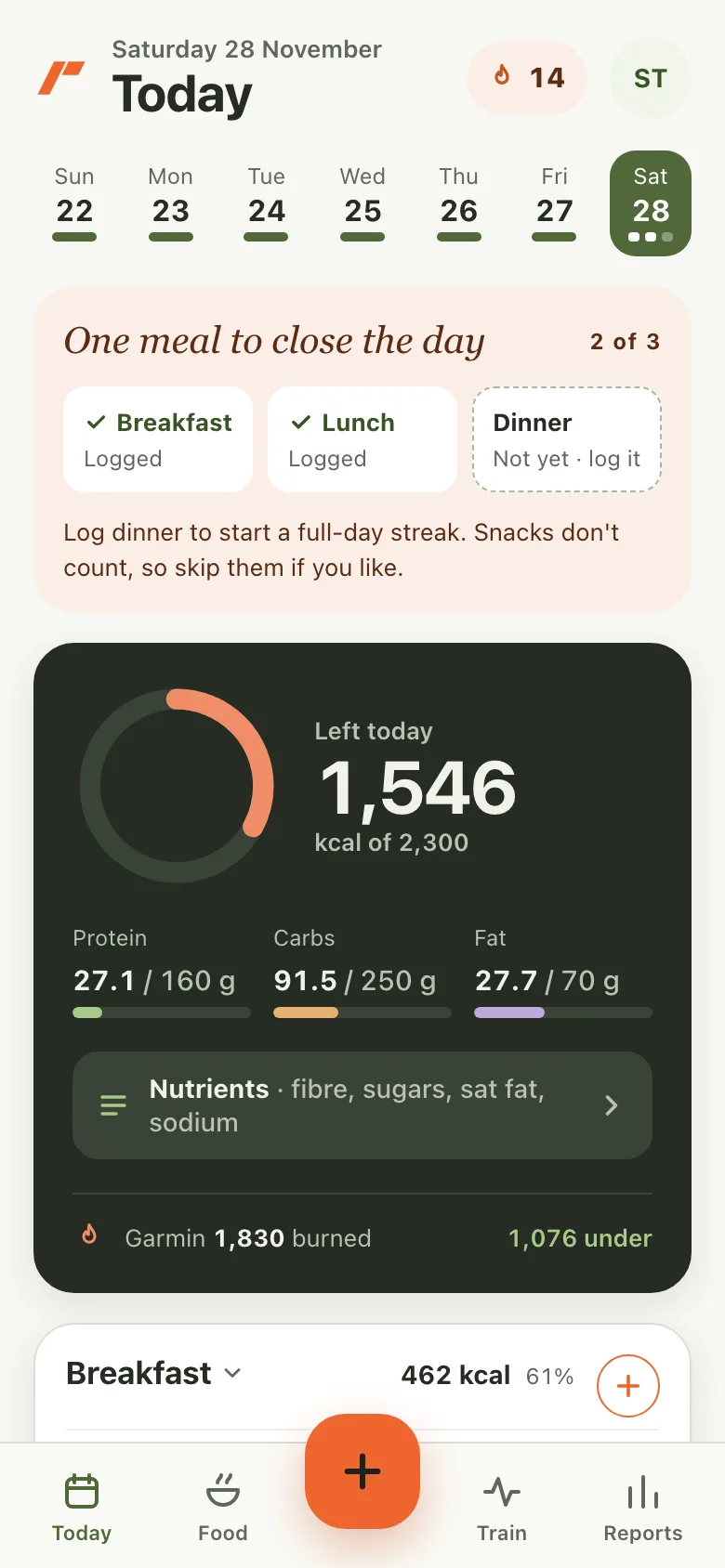
Step 2: Log a meal the quickest way
Tap the plus on a meal, then add a recent food in one tap, search, scan a barcode, or copy yesterday's meal. Logging a café lunch? Search the chain's own menu.
- Recent, Frequent, My meals and My foods
- Copy yesterday's meal or whole day
- Barcode scanner in the app
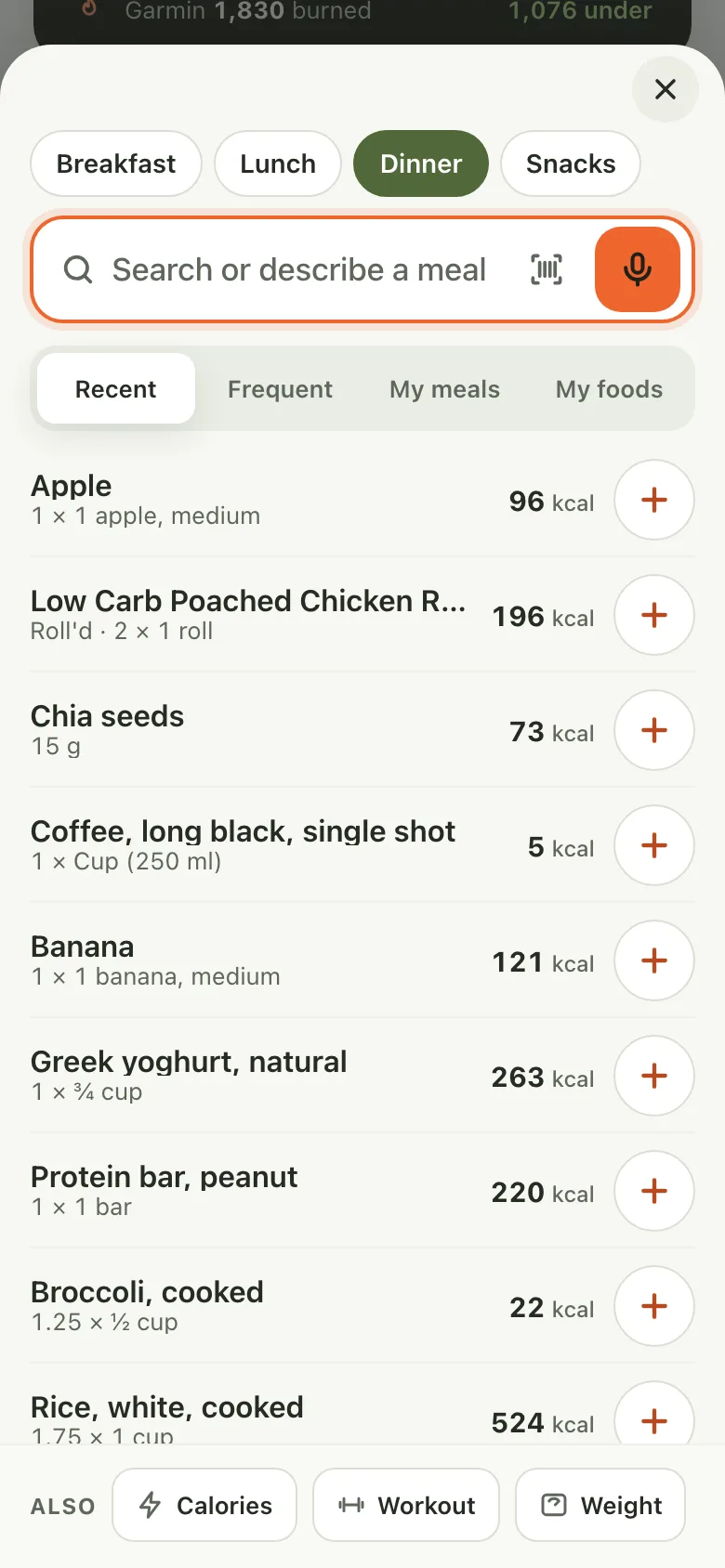
Step 3: Or describe it in one sentence
Type or say what you ate. Repish matches each food and portion and shows you what it heard; check it, change anything, then add it to the meal.
- Several meals in one sentence
- Dictate with the microphone
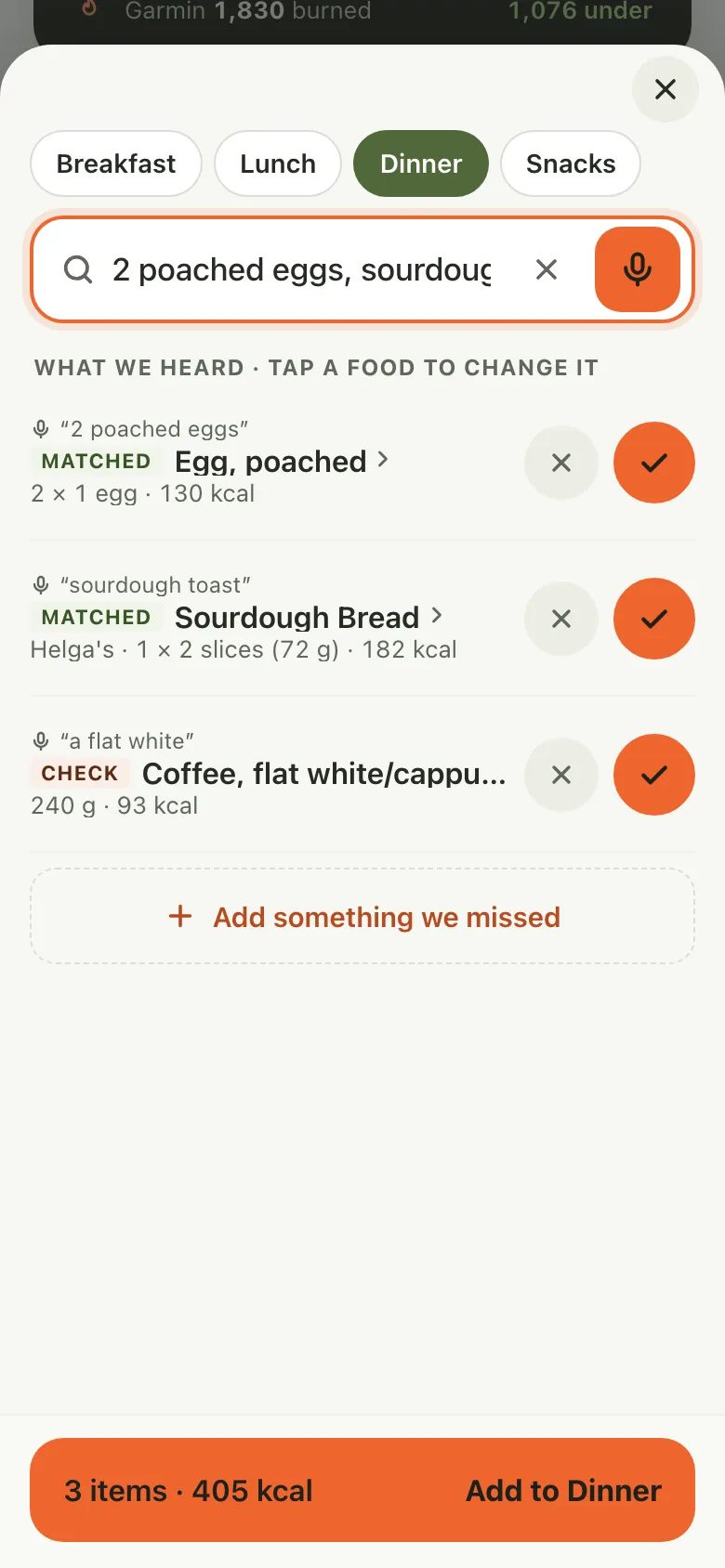
Step 4: Fix anything in a tap or a swipe
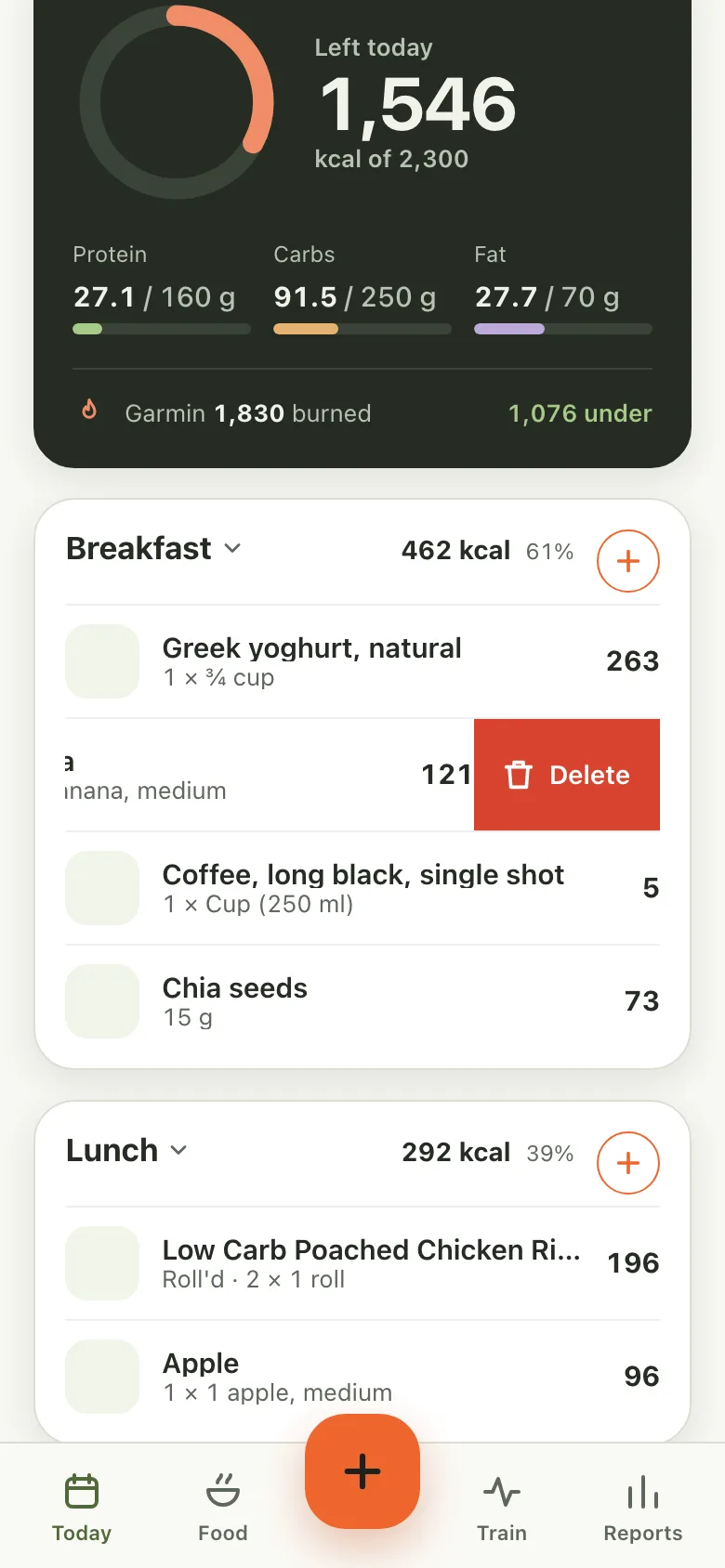
Tap an entry to change its serving, amount or meal. Swipe it either way to delete, or hold to select several. Undo is always there.
- Tap to edit, swipe either way to delete
- Hold to select several and delete them together
Step 5: Add your training
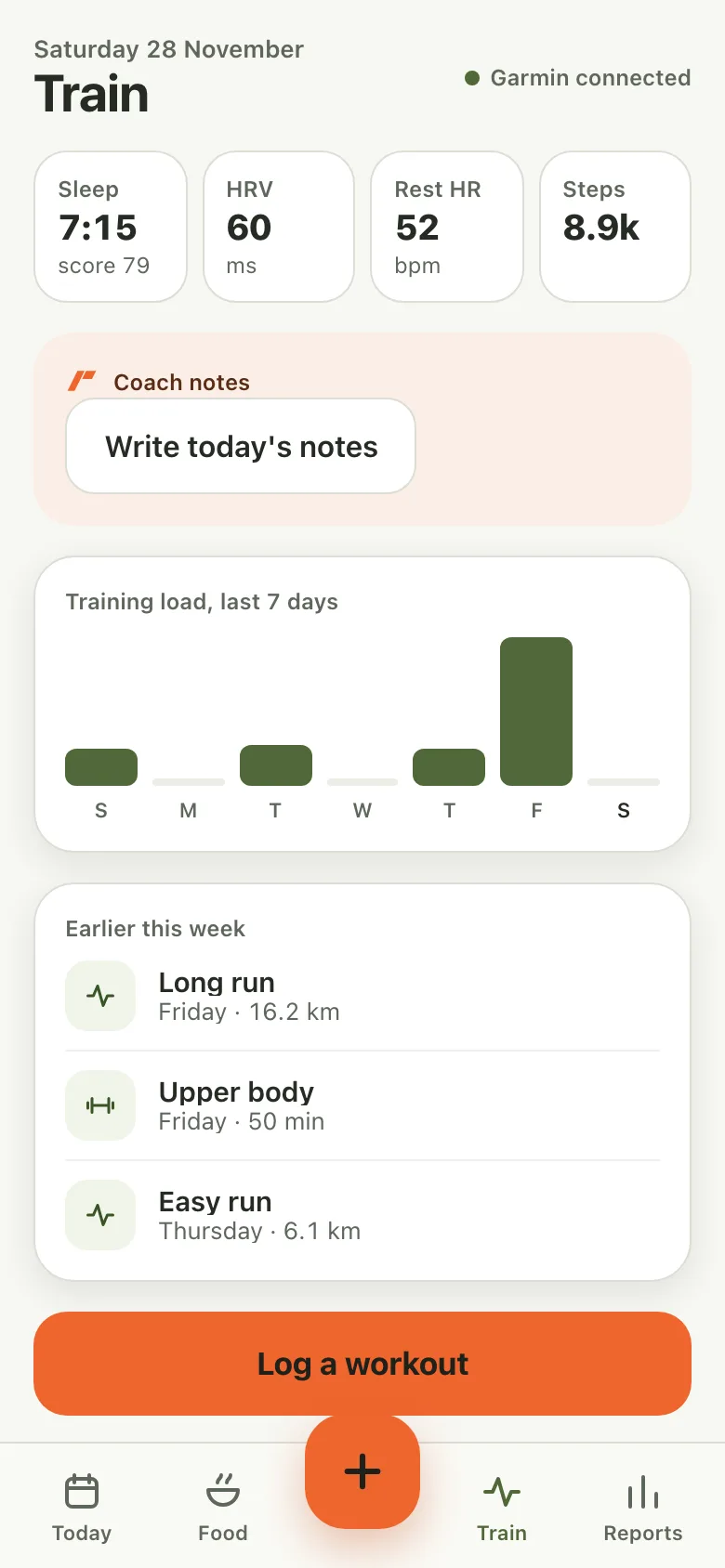
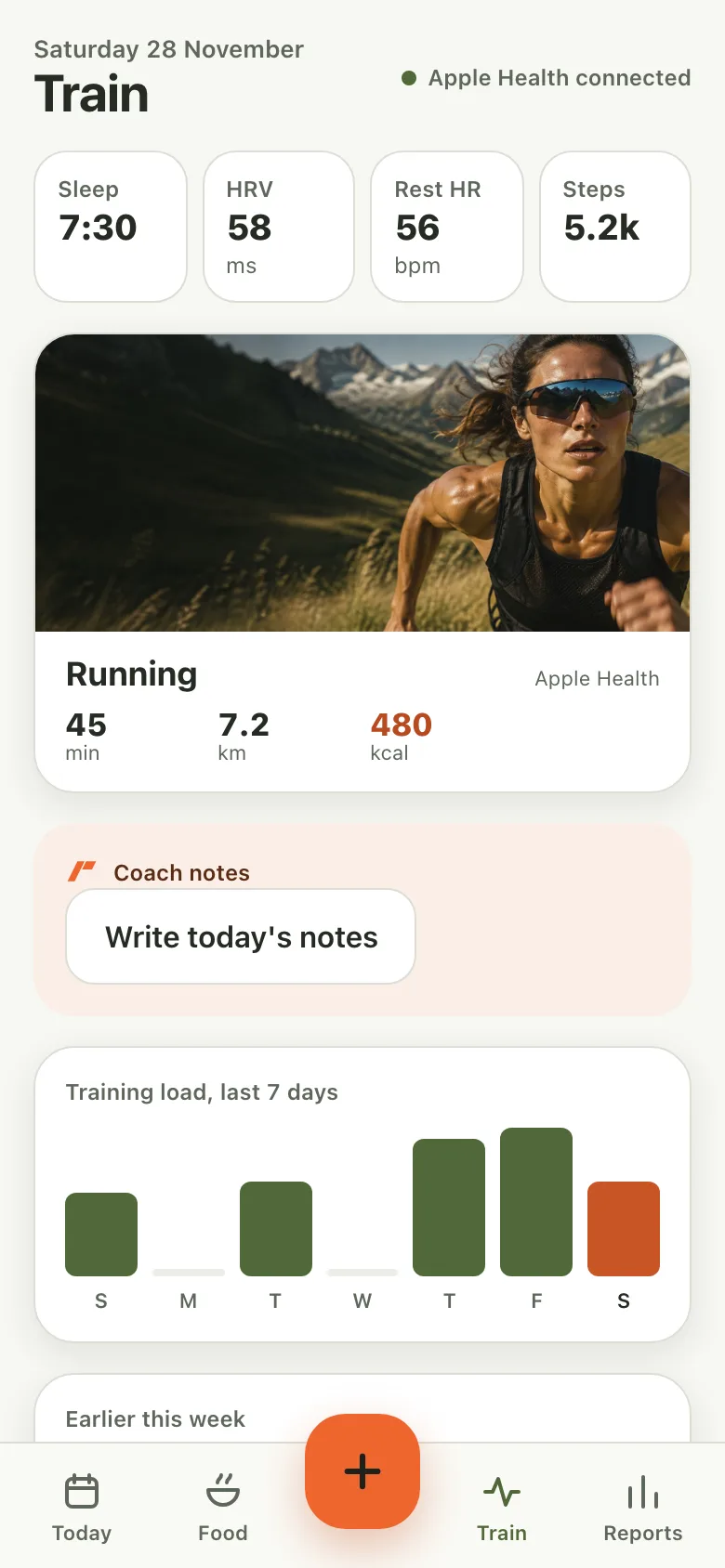
Connect Garmin, or turn on Apple Health in the iPhone app, to bring in activities, sleep, HRV and calories burned, or log a workout with its sets. Training days move your targets.
- Activities, sleep, HRV and steps from Garmin or Apple Health
- Workouts with sets, reps and weight
Step 6: Close the day, read the week
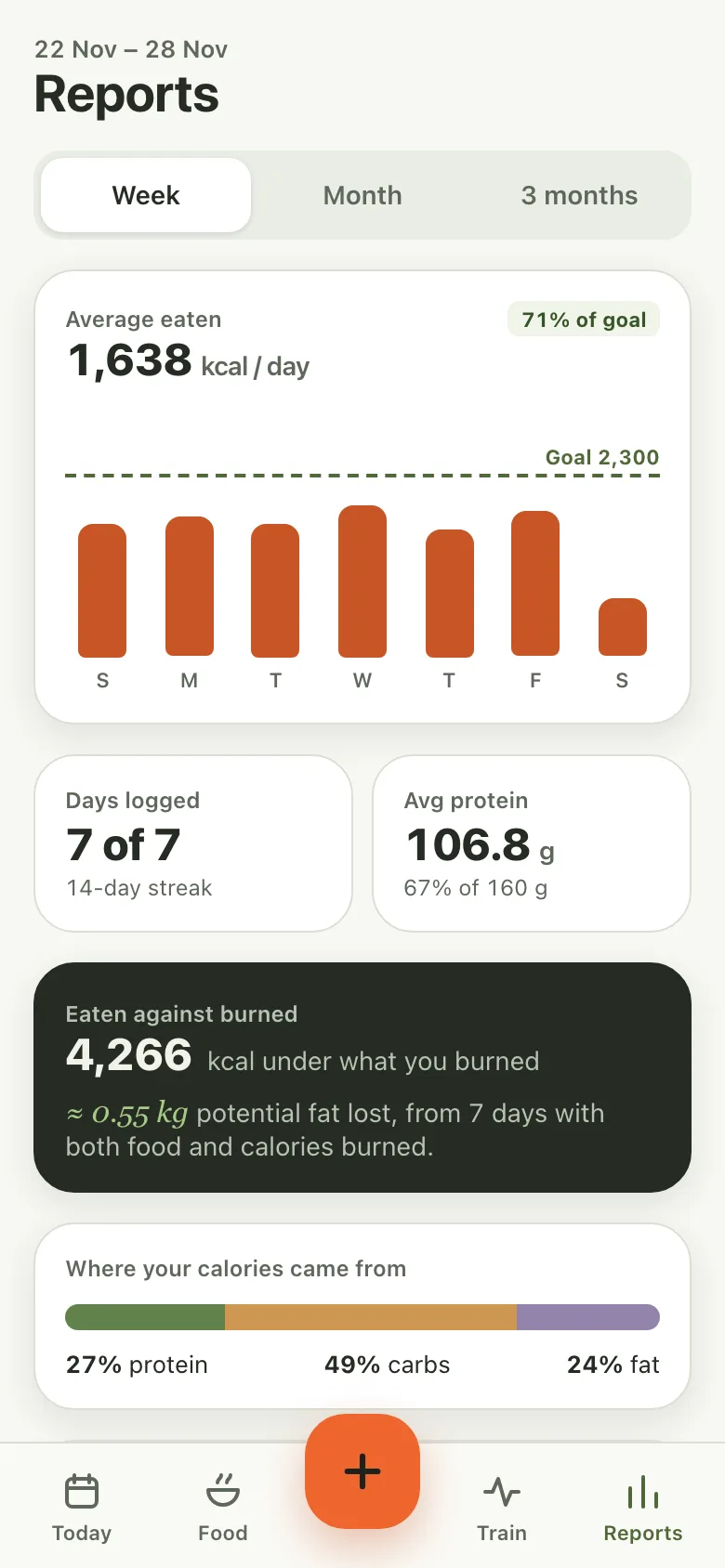
Log breakfast, lunch and dinner to close the day and grow your streak. Reports show your average against your goal by week, month or three months.
- Rest days so a missed day doesn't end the streak
- Eaten against burned, from Garmin or Apple Health
Questions about how Repish works
Is Repish free?
Yes. Create an account and log food, training and Garmin or Apple Health data for free.
Does Repish work on iPhone and Android?
Repish runs in your web browser, and the Repish app for iPhone and Android adds barcode scanning and voice logging.
Is Repish only for Australia?
It's built for Australia: Australian foods, chains, serving sizes and dates. You can use it anywhere.
Can I use Repish with Claude or another AI assistant?
Yes. Create an API key in your account to let an AI assistant that supports MCP read and log your diary for you.
Can I delete my data?
Yes. You can delete entries, disconnect Garmin or Apple Health, or delete your whole account and its data from Account.
REPISH